

Today, I opened the Antigravity desktop app and saw a major update notification. I thought it was just a normal update at first, but it turns out Google changed the whole app experience.
According to Google, the new app has been rebuilt from the ground up to deliver an agent-optimized experience.
I actually watched the Google I/O 2026 keynote to see what was new in the app before updating to the latest version. The demos were pretty impressive, especially when they showed an example where over 90 agents worked together to build a working OS in 12 hours while consuming less than $1,000 worth of tokens.
This is exactly what I needed to supercharge my development workflow.
I mean, I was super impressed with what they showed today, but I was also concerned after seeing the UI and UX changes during the demos.
I jumped right into my own Antigravity desktop app and updated to the new version. In case you are wondering, this is what the update screen looks like:
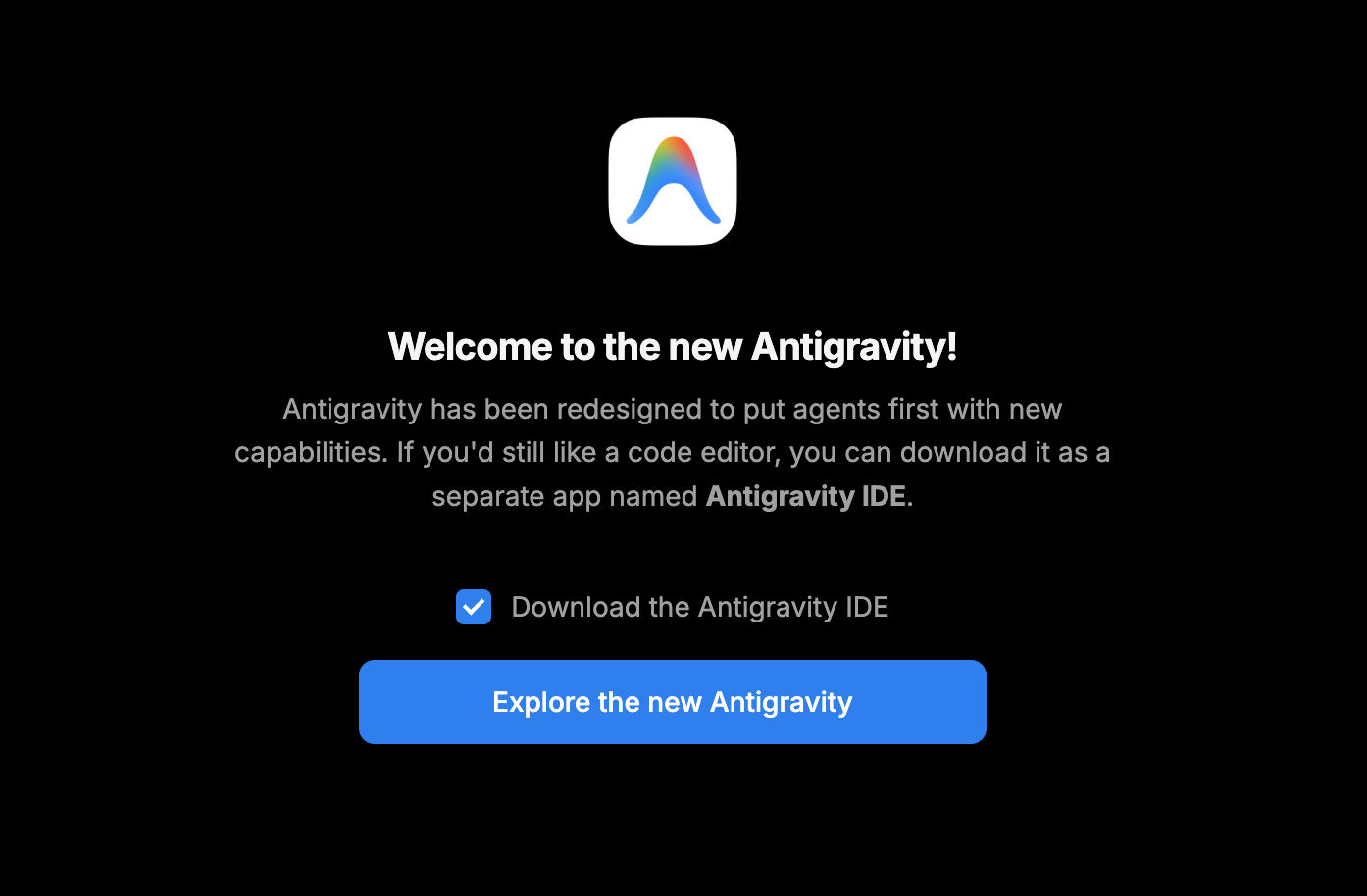
The new standalone app allows you to orchestrate multiple agents to execute tasks in parallel. It also features dynamic subagents for parallelized workflows, scheduled tasks for background automation, and ecosystem integrations across Google AI Studio, Android, and Firebase.
These are the main features:
An Abstracted UI: Your AI agents’ central command center, providing a unified platform to launch, monitor, and orchestrate their activities.
Dynamic Subagents: Subagents are defined and instantiated dynamically to tackle parallel parts of complex problems, leading to faster and better results.
Scheduled Tasks: Automate routine checks with Scheduled Tasks. Simply define a cron schedule, and the agents start and run autonomously in the background.
Artifacts: Deliverables from the agent that communicate its progress with you.
Extended Customization: Create or download fully customizable skills to further your agent’s autonomy and transform how you get work done.
There is also a support for Gemini audio models that lets you speak your prompts and the ability to define global or workspace-specific Skills, MCPs and JSON Hooks to encourage custom agent behavior.
The problem is that the actual update felt confusing the moment I started using it. This is what the Antigravity 2.0 dashboard looks like on my screen:
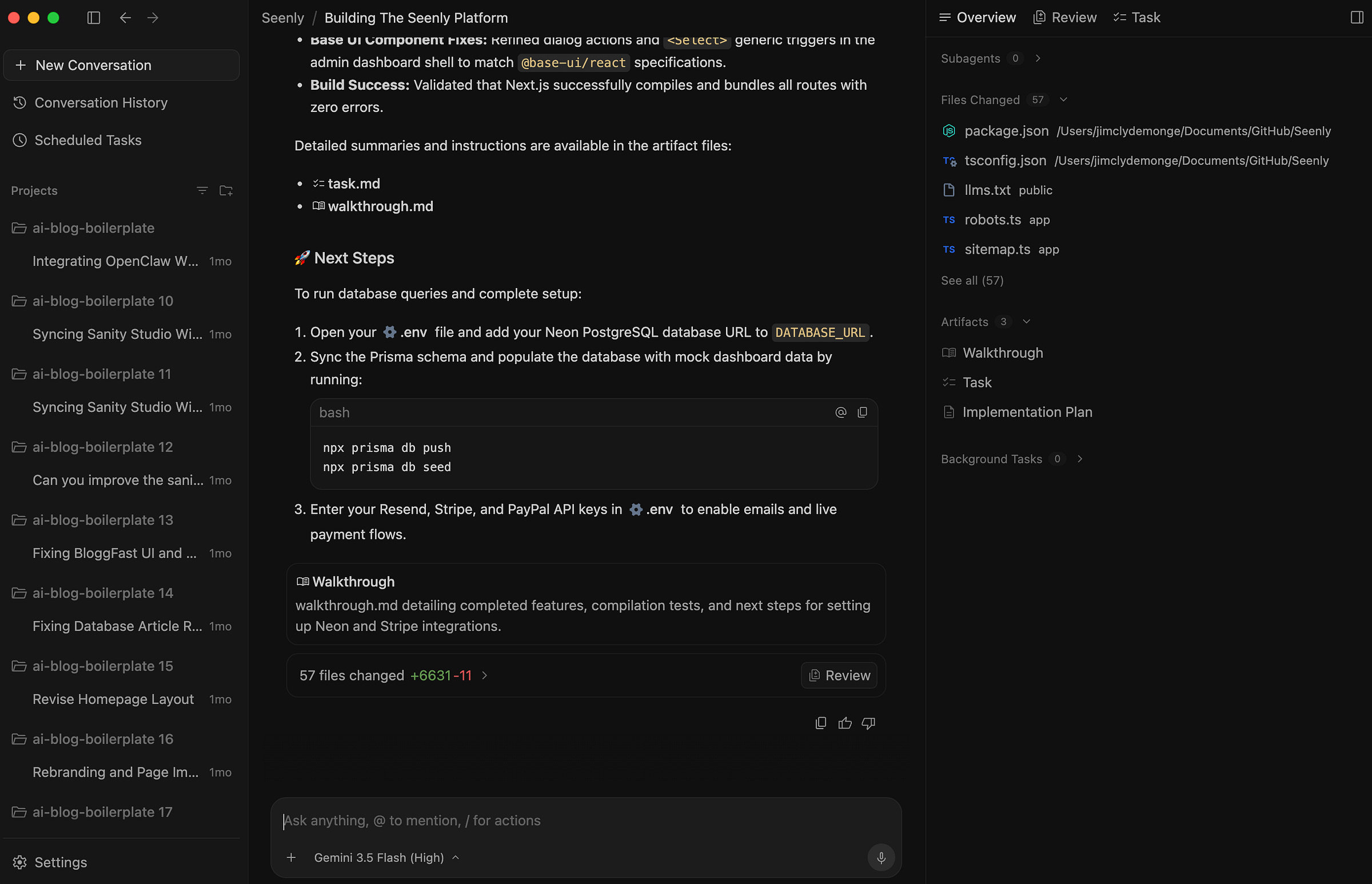
You see, I already loaded a project and ran a prompt with Gemini 3.5 Flash.
First impression: much of the UI components were trimmed down.
And I do not mean “cleaner” in a good way. I mean things I expected to be there were all gone.
Where’s the project explorer?
How to open the file editor?
How do I launch a new terminal window?
Where do I monitor the token consumption?
How do I trigger subagents?
These are the first things a developer looks for when opening an IDE.
I have no idea what the Google engineers were thinking, but this new UI and UX is not what I was expecting. I can no longer bring up a terminal with the usual Ctrl + Shift + ~ shortcut. The current project is not even listed in the projects list despite just being recently added.
So now, I am forced to execute terminal commands inside the prompt field. This counts toward my token consumption, and it is so slow!