

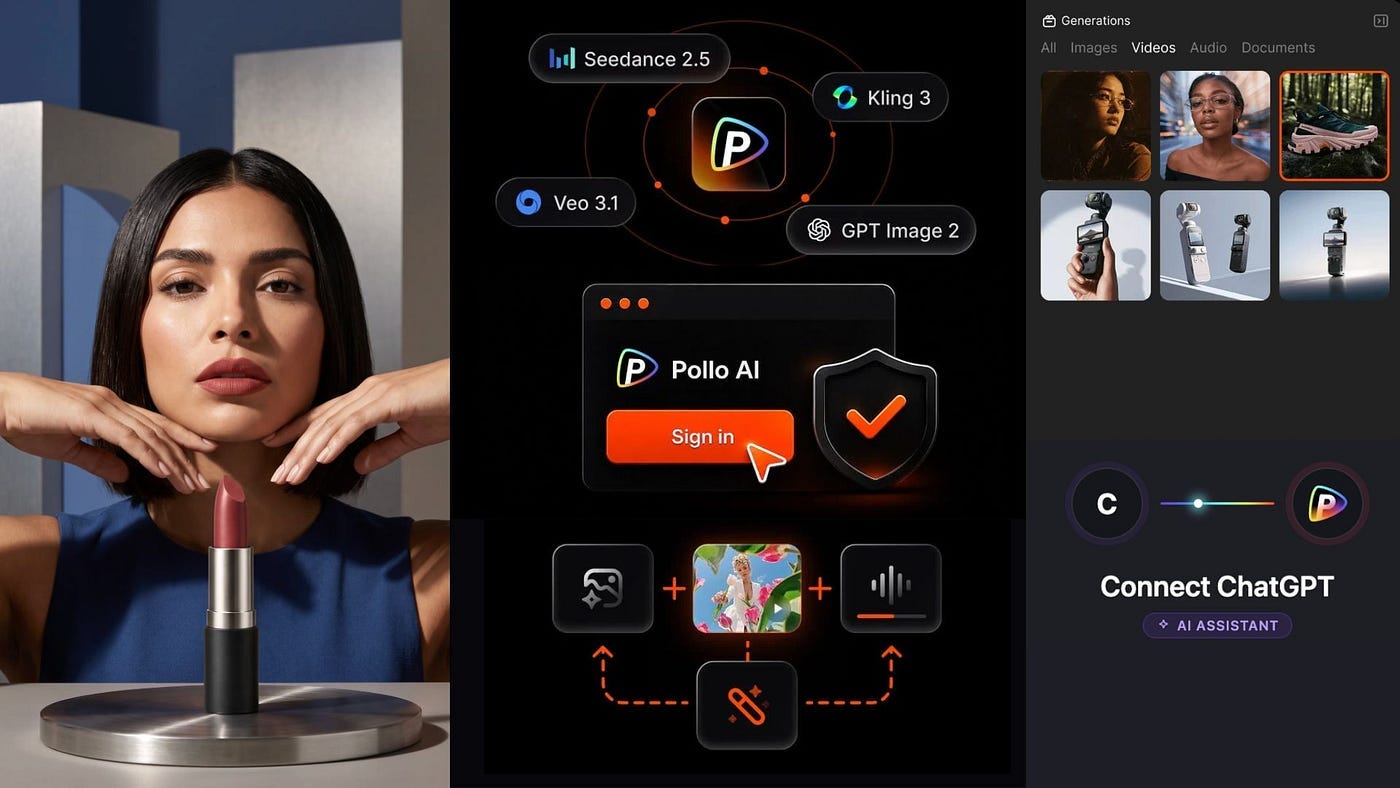
One of the saddest moments in AI history was when OpenAI suddenly shut down Sora. The Sora web and app experience officially went offline on April 26, 2026, followed by the Sora API on September 24. So if you were using OpenAI’s own tools for video generation, that option is gone.
Generating images is pretty limited too. You are stuck with OpenAI’s own models and whatever limitations come with them.
MCP, or Model Context Protocol, solves a lot of these issues. It basically acts like a bridge that lets ChatGPT connect to outside tools and services.
In this case, you can use it to access third-party image and video models directly inside ChatGPT.
In this guide, I’ll walk you through the process of installing Pollo AI’s MCP and demo a few different projects you can do with it.
Let’s get started.
What is Pollo AI MCP?
MCP is a standard that allows AI assistants like ChatGPT, Claude, and other agents to connect with external tools. Think of it as giving ChatGPT access to another app.
Instead of ChatGPT only being able to answer your prompt using its own built-in tools, MCP lets it call another service when needed.
Pollo AI MCP connects ChatGPT to Pollo AI’s image, video, and media generation tools.
So instead of opening Pollo AI separately, uploading your file, choosing a model, entering a prompt, waiting for the output, and downloading everything manually, you can do most of that from the ChatGPT conversation.
Pollo AI gives you access to models such as Seedance, Kling, GPT Image, Nano Banana, Veo, Seedream, and many others.
You can use it to:
Generate and edit images/videos
Work from reference images
Check your remaining Pollo AI credits
Estimate how much a generation will cost
Let the agent write a prompt and choose a model for you
Run multiple generation tasks at once
The initial release supports ChatGPT, Claude, Codex, and Cursor. Pollo AI also says OpenClaw and Hermes integrations are coming.
What I like about this setup is that it reduces the learning curve of Pollo AI’s platform. You can just tell ChatGPT what you want to make.
Installing Pollo AI MCP
Here’s how to install Pollo AI’s MCP in ChatGPT.
Head over to your ChatGPT dashboard.
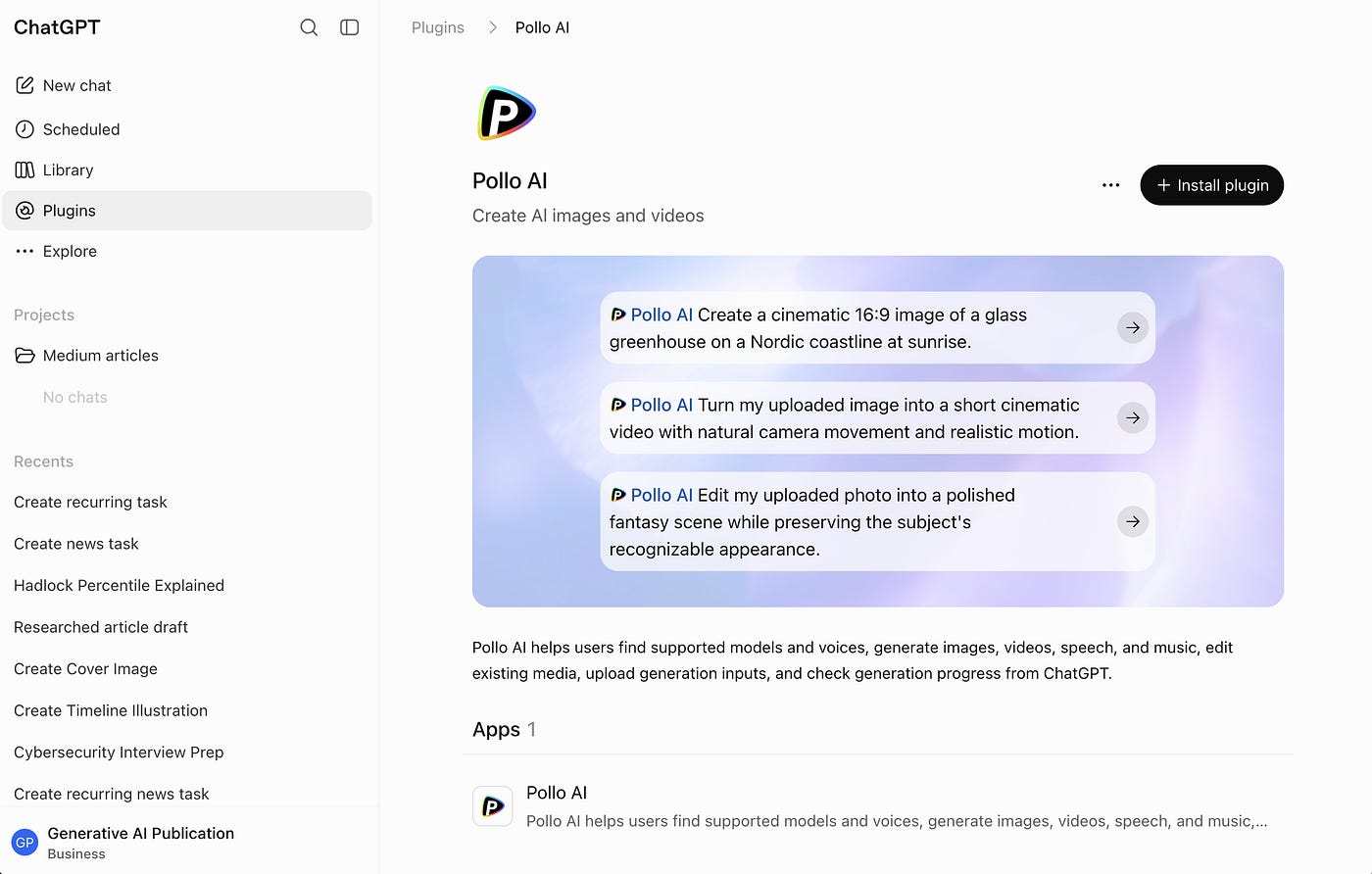
Open the Plugins tab and look for Pollo AI.
Click the Install Plugin button.
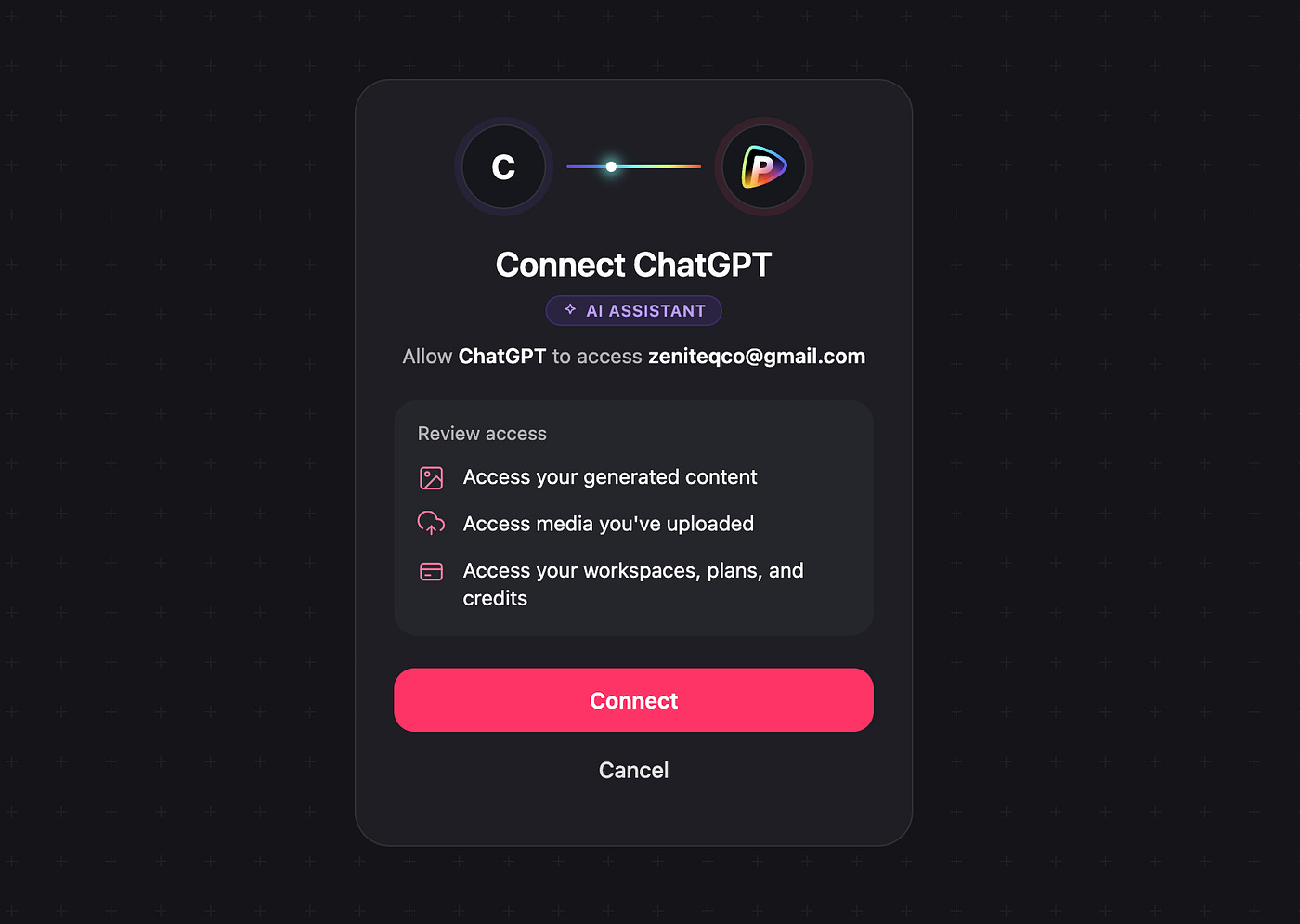
You will be redirected to Pollo AI’s server and asked to allow access to things such as generated content, media uploads, and your workspace.
Once connected, you will be redirected back to ChatGPT. You should now be able to tag the Pollo AI plugin directly in the chat field. You can also access it under the Plugins dropdown.
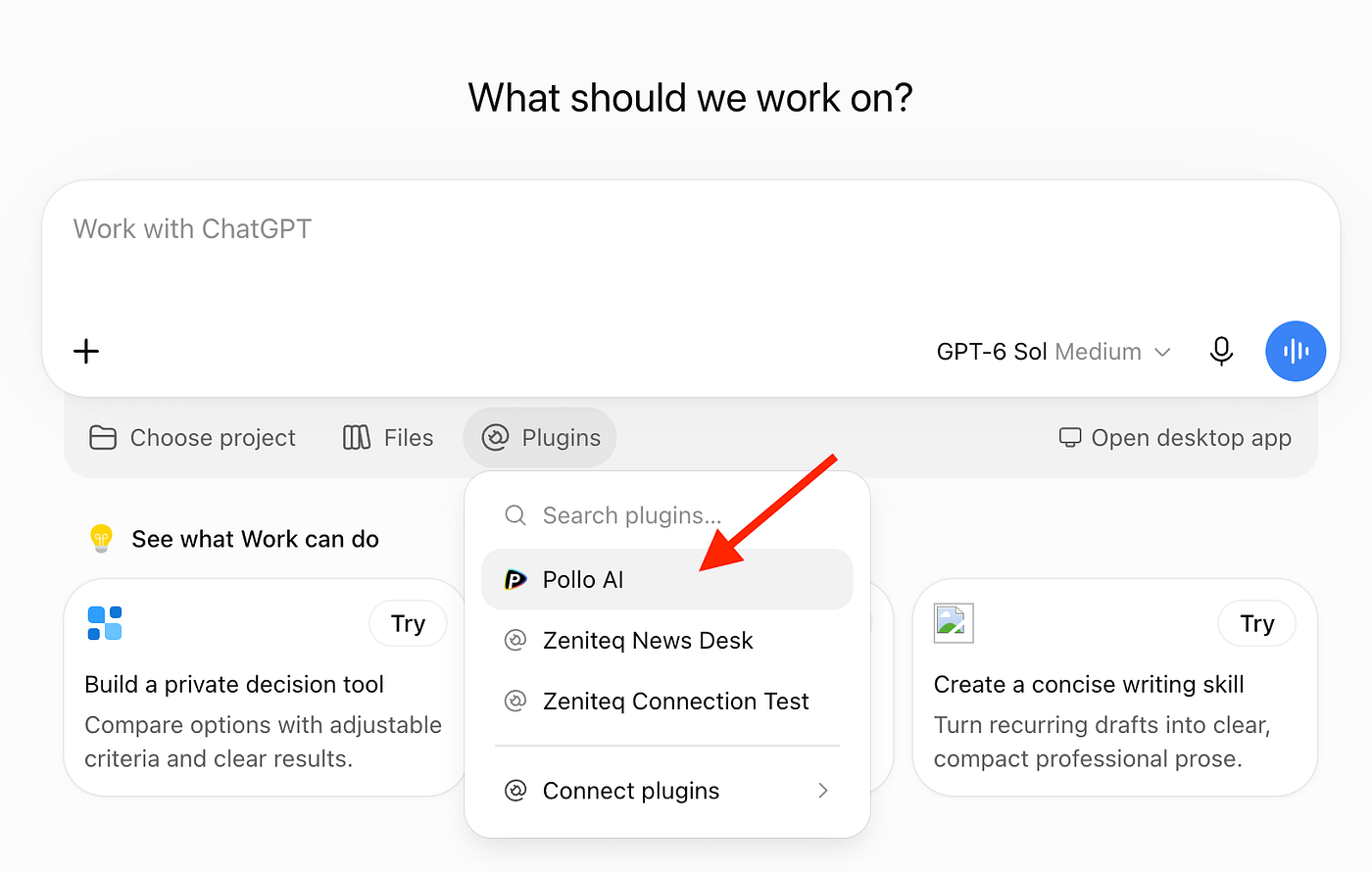
That’s it. Notice that there was no API key needed to set up the connection.
Remote MCP uses browser-based Pollo account authorization, while CLI and local MCP reuse your Pollo CLI login.
Now it’s time for a demo.
Generating Campaign Images + Video in One Shot
The first example I wanted to try was generating a campaign image and video from a plain product photo. For this one, I used an action camera.
Here’s the prompt I used:
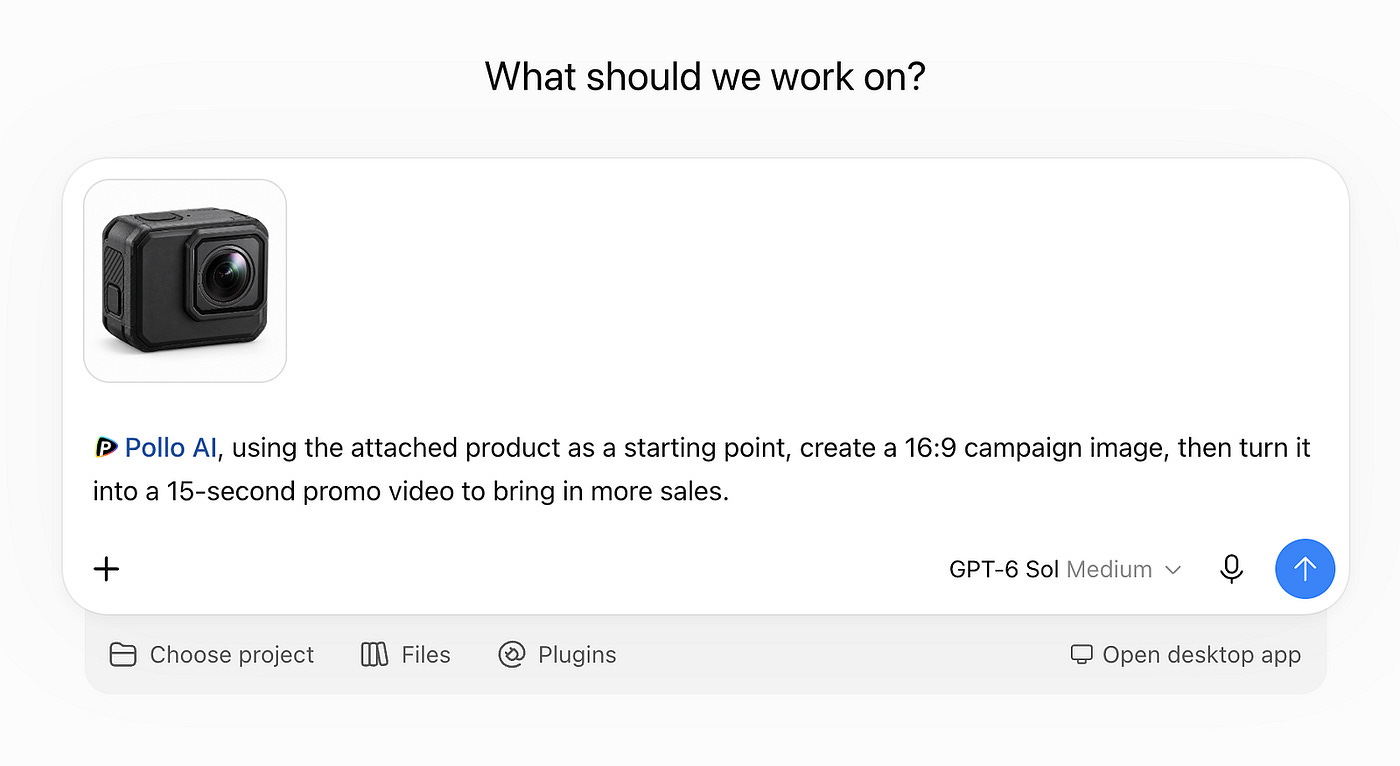
Prompt: Pollo AI, using the attached product as a starting point, create a 16:9 campaign image, then turn it into a 15-second promo video to bring in more sales.
At this point, the exact OpenAI model you’re using doesn’t matter too much. Just don’t use a very old model. GPT-5.5 or newer should be fine.
You can monitor the workflow while ChatGPT analyzes the reference image, figures out the campaign direction, prepares a more detailed generation prompt, and sends the image to Pollo AI.
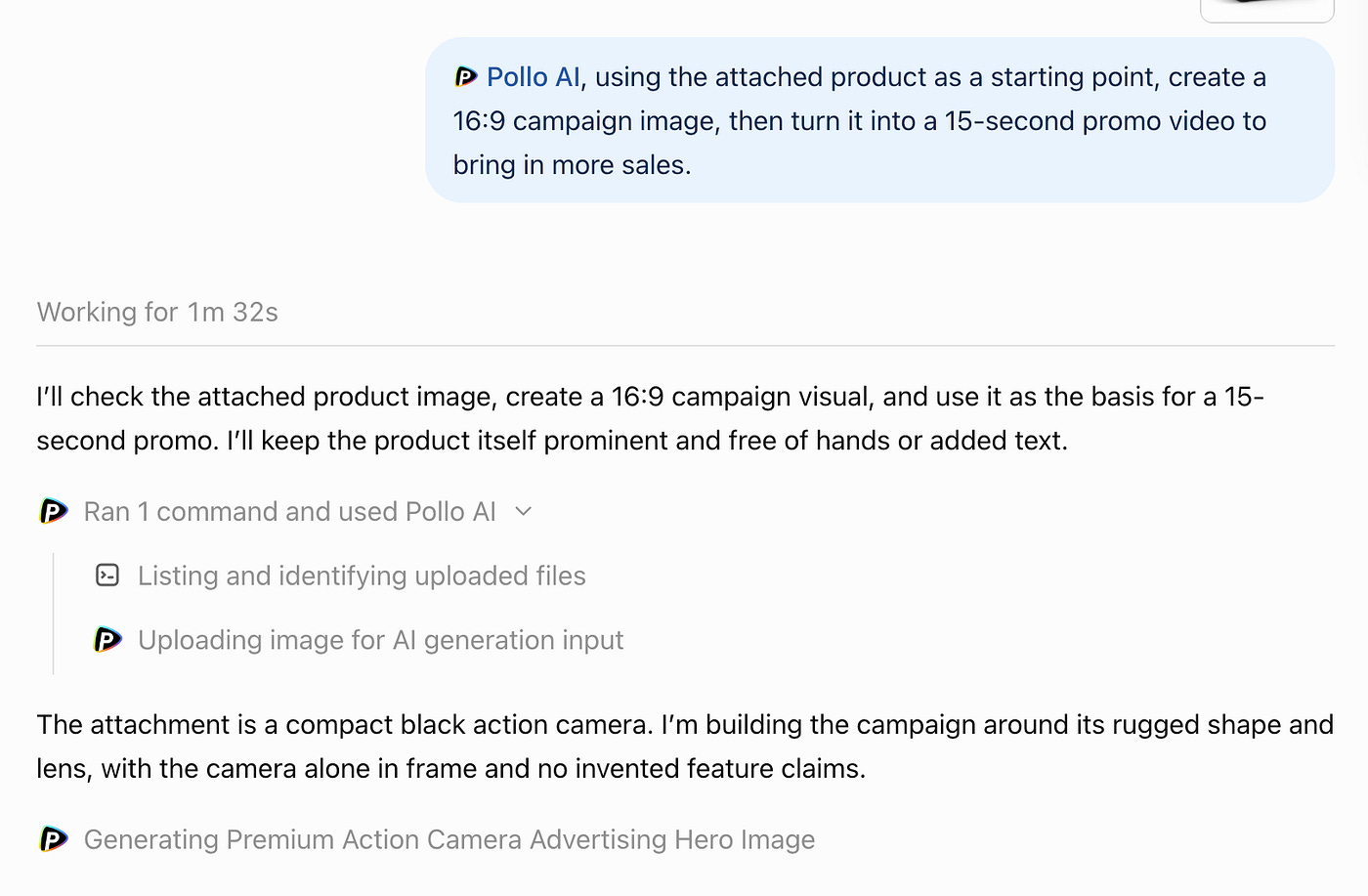
Once the campaign image is finished, it appears right inside ChatGPT. The agent can then use that result as the input for the next step and start generating the video automatically.
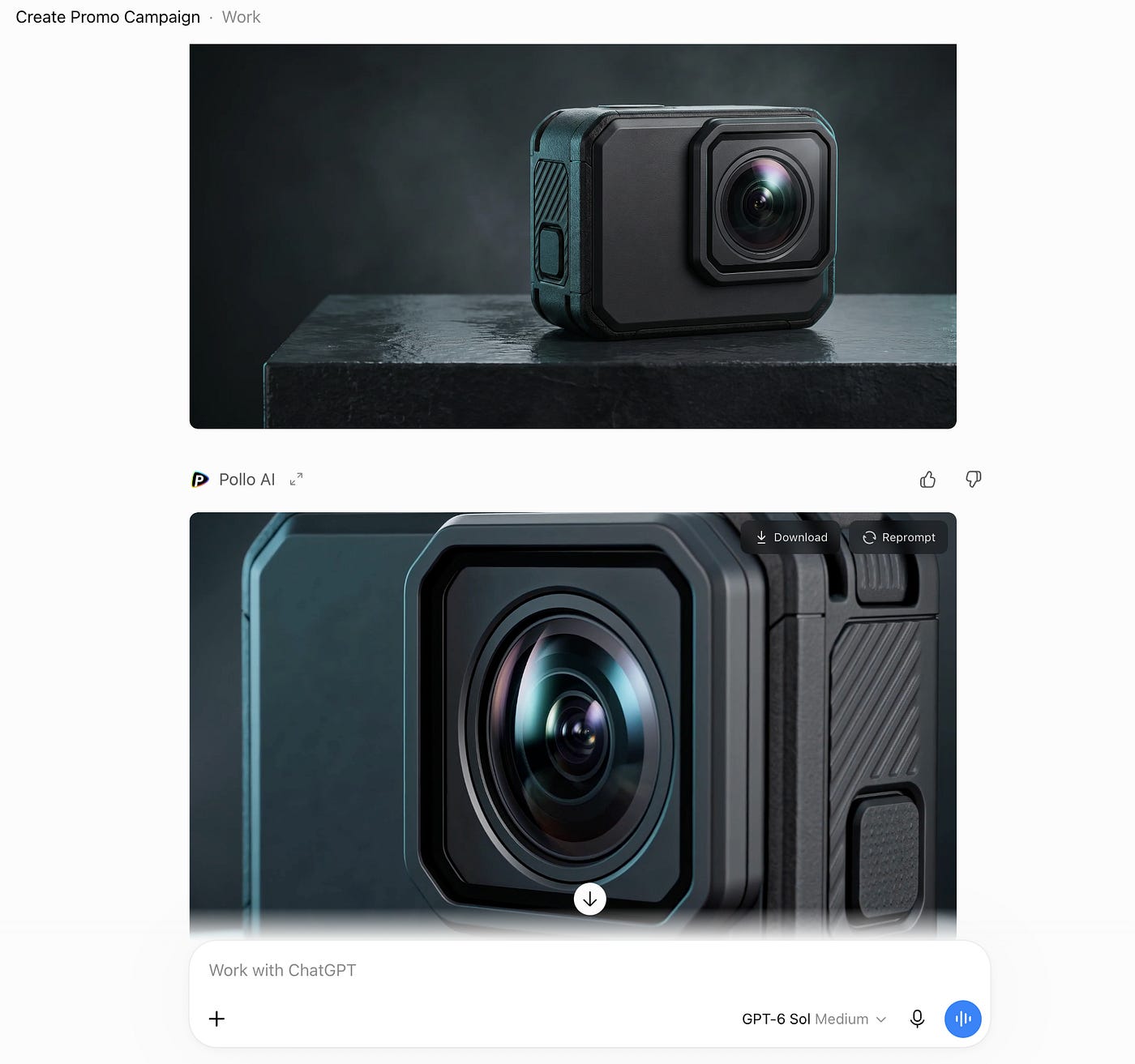
Look at how good the final image turned out. All the important details from my original product photo were retained, while the AI added the rugged, high-end commercial look I wanted. The final result was a 2752 × 1536 PNG generated with Nano Banana Pro.
If you’re curious, here’s the much more detailed prompt ChatGPT came up with behind the scenes:
Prompt: Create a premium 16:9 landscape advertising hero image using the supplied black action camera as the exact product reference. Preserve its body geometry, front lens placement, top button, left-side grip and matte textured black finish; no redesign, extra controls, brand mark or changed proportions. Product alone, fully visible, in a dramatic but restrained high-end studio environment: camera resting on a low charcoal slate plinth with a subtle wet reflective surface, deep graphite backdrop with a soft teal-blue rim light and controlled white key light, fine atmospheric haze, striking crisp lens reflections, realistic material details, ample clean negative space on the left for optional campaign copy added later. Photorealistic luxury product photography, commercial retouching, sharp focus, 16:9 composition. No hand, people, mount, accessories, water splashes over product, text, letters, logos, slogans, graphics, borders, or watermark.
Here’s what the final 15-second promo video looks like:
Again, if you’re curious about what ChatGPT sent to Pollo AI for the video, here’s the prompt:
Prompt: 15-second premium action camera product commercial. Use the supplied campaign image as the exact first frame and preserve the exact camera design throughout: compact matte black rectangular action camera, large front-right circular lens in square raised bezel, textured side grip, top button, realistic scale and geometry. No human hands, people, mounts, accessories, new branding or feature claims. 0–4s: subtle cinematic push-in as blue-white studio light rolls across the product and lens, slate plinth and charcoal backdrop stay elegant and restrained. 4–9s: smooth close orbit of only about 20 degrees around the front and side, revealing texture and precise edges without changing its shape. 9–12s: refined lens close-up with a tasteful optical reflection and gentle speed ramp. 12–15s: pull back to the original full hero composition and hold a clean final product shot with generous left-side negative space for a sales call to action to be added in editing. Photorealistic premium commercial, smooth stable camera movement, crisp product, cinematic contrast, minimal atmospheric haze. Natural subtle electronic pulse and soft mechanical whooshes, no spoken words, no generated text or logos, no watermarks.
The final video looks incredibly well made.
I especially like how the Pollo AI decided to slowly rotate around the camera and zoom in on the lens instead of adding a bunch of unnecessary action. Those movements actually make sense for the product and help show it from different angles. The result was a 16:9 1080p video generated with Seedance 2.0.
Submit Multiple Tasks in One Batch
Another useful workflow that you can do in ChatGPT with the Pollo AI MCP is doing multiple tasks in a single prompt. Yes, you don’t need to queue tasks or have multiple tabs of ChatGPT to perform jobs in parallel.
Pollo’s MCP currently supports submitting between 1 and 12 image or video generation tasks in a single batch.
For example, let’s say you’re testing promotional designs for a lipstick launch and want different models, colors, and compositions.
I uploaded the product image and used this prompt:
Prompt: @PolloAI create six 2:3 image concepts for the campaign and launch of the attached product. Each with a different female model, color palettes, and design composition. Keep the product focused and consistent.
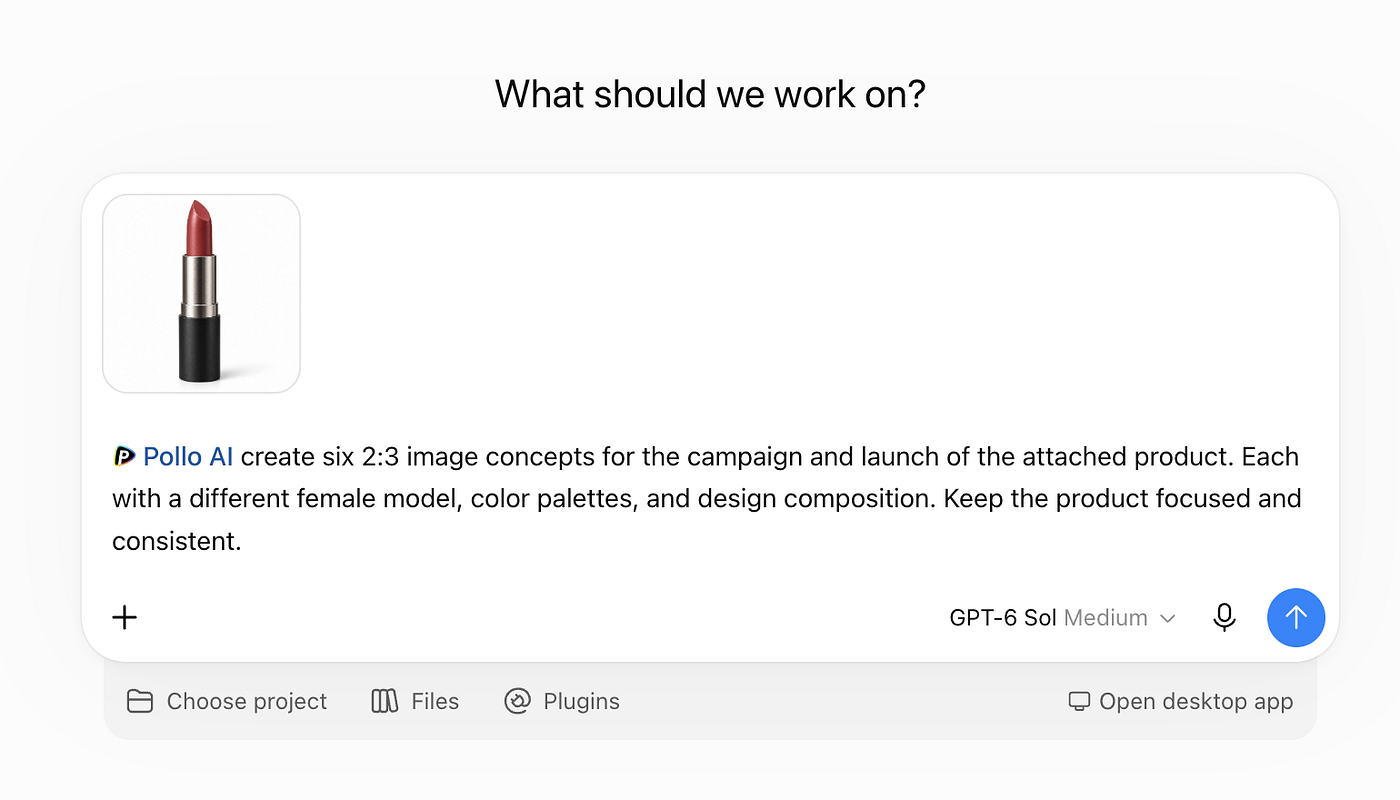
About a minute later, I had six completely different posters ready to work with. Let me say that again: all of these images were generated in about one minute.
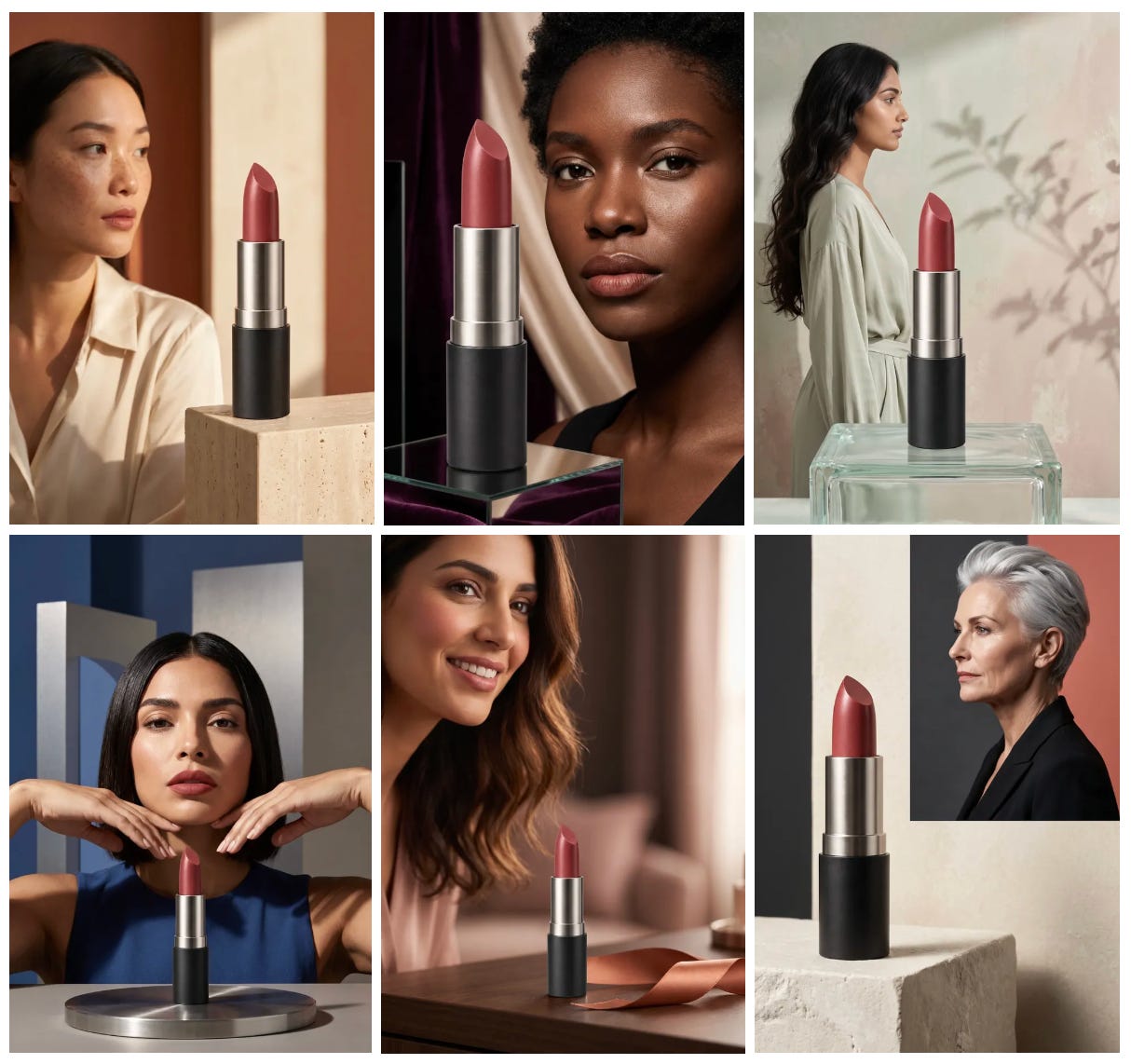
Try doing the same thing one by one with ChatGPT’s native image generator, and you’ll immediately see why batch generation is useful.
What’s even cooler is that ChatGPT and Pollo AI retain the context of the conversation. So after the images are generated, you can keep working on them without starting over.
For example, I wanted to transform the fourth image into a video. I just sent this follow-up prompt:
Prompt: Can you turn the 4th image into a 10-second video with dialogue to promote the product? make her pick up the lipstick.
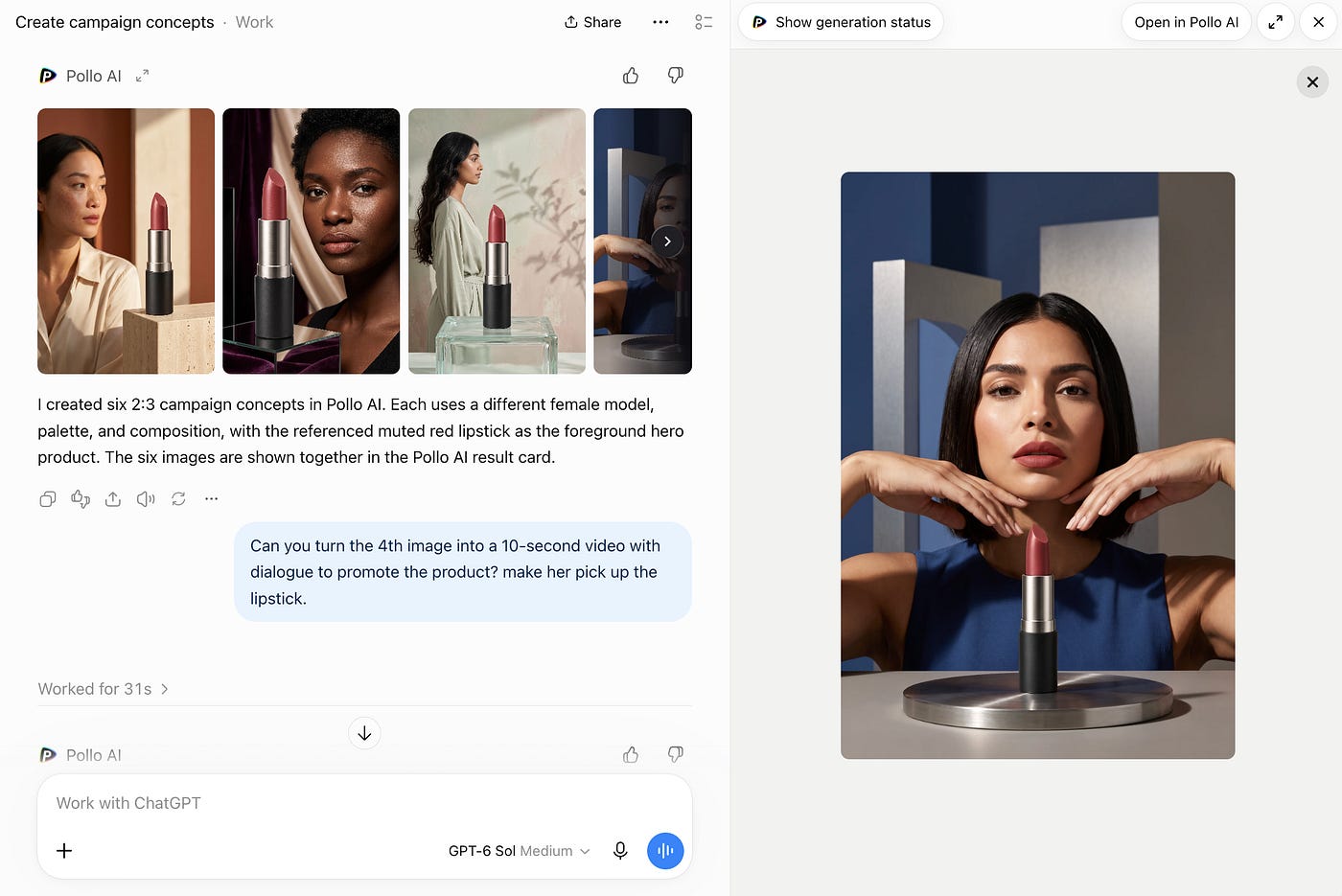
Pollo AI picked up the correct input image, processed the video, and sent the result back into ChatGPT.
Here’s the final result:
This is where the MCP starts to become really useful. You aren’t just generating one image and stopping there. You can keep building on the same asset.
You can generate the campaign concepts, pick the strongest one, turn it into a video, revise that video, create another version, and keep going without rebuilding the context every time.
You also don’t have to worry too much about writing the perfect technical prompt or memorizing which model supports which feature. The agent can help choose the model, inspect the available options, check your credits, estimate the expected generation cost, and follow the task until the asset is finished.
Here’s a simple example of me asking Pollo AI inside ChatGPT to check my remaining credits and calculate what it would cost to turn the first image into a 10-second Seedance 2.5 video:
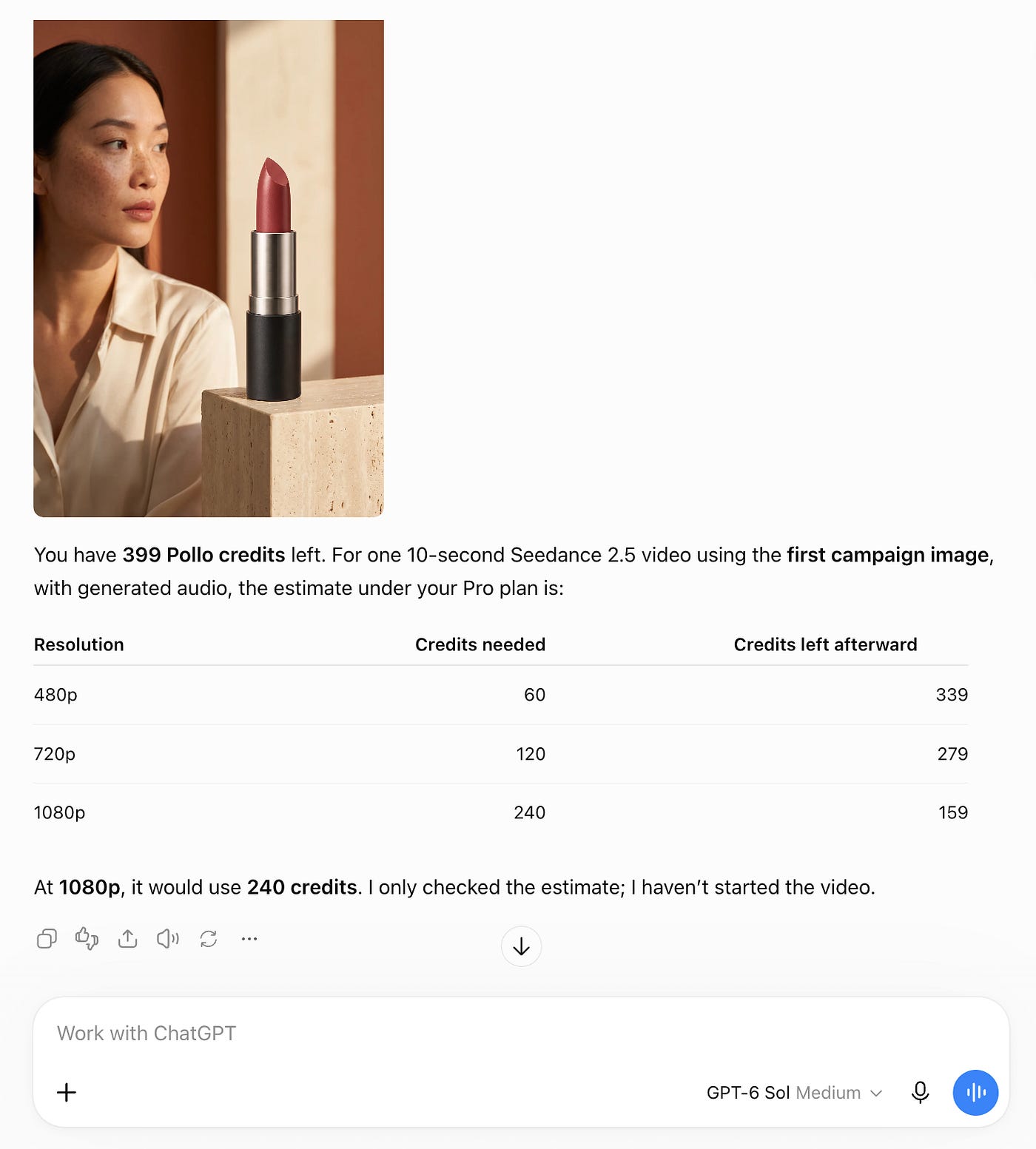
Prompt: @PolloAI can you check my current credits left and calculate how much it would take if I transform the first image to a 10 second video with Seedance 2.5?
Pretty cool, right? This way, I don’t need to go through my account page every time I want to check whether I have enough credits for a specific generation.
Other Ways to Use Pollo AI MCP
There are many other ways you can use Pollo AI MCP inside ChatGPT. You don’t always have to generate a completely new image or video. Pollo AI also has tools for working with media you already have.
For example, you can clean up images, upscale them, remove backgrounds, change their aspect ratio, extend videos, reframe videos, remove subtitles, and make other edits.
There are also audio-related tools.
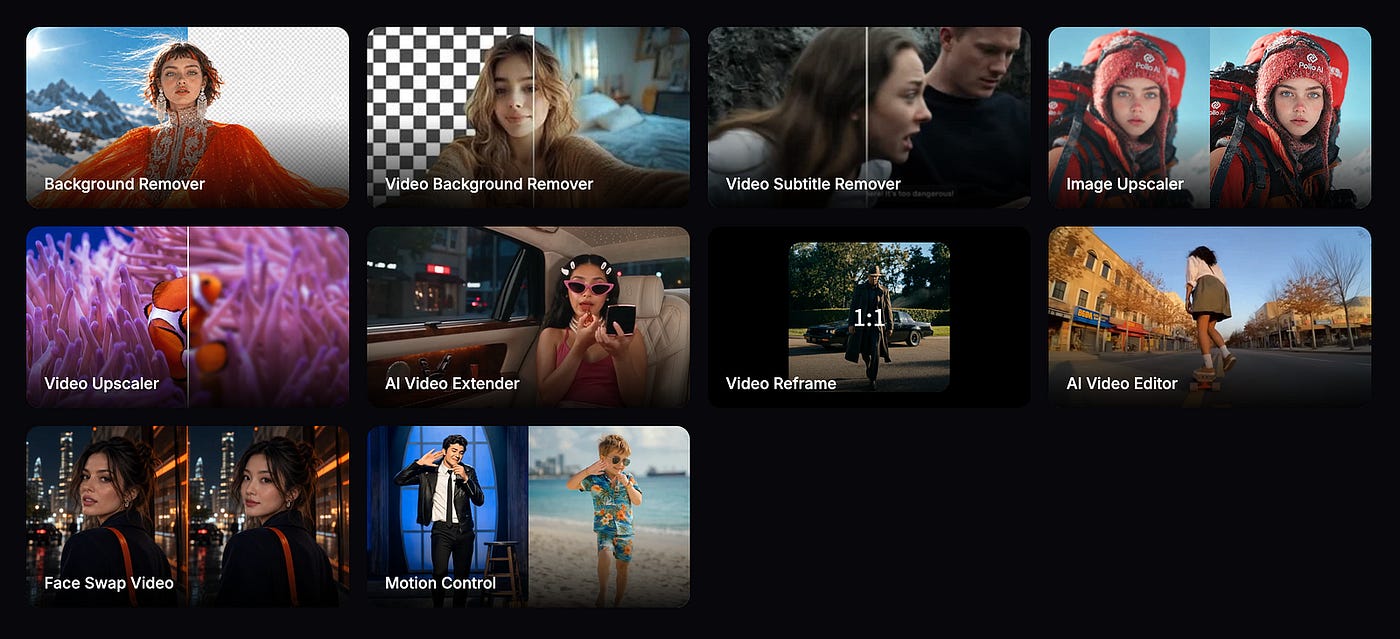
This means you could start with an existing image or video and ask ChatGPT to keep modifying it through Pollo AI.
Maybe you already have a product image but need a cleaner background. Or maybe you generated a horizontal video and now need a vertical version for TikTok or Reels. Instead of moving between different tools yourself, you can keep asking for changes from ChatGPT.
I would also love to see Pollo AI expose more of its advanced tools through MCP.
The Director tool is one of them. That would be really useful if ChatGPT could use it to control camera shots and scene direction more directly. The AI drama and Microdrama tools would also be interesting.
Imagine asking ChatGPT to come up with a short story, create the characters, plan the scenes, and then use Pollo AI to actually make the clips.
I think that’s where this type of integration could eventually get much more interesting.
Agentic Model Management
Another useful thing about Pollo AI MCP is that you don’t always need to know which model you should use.
There are already too many image and video models to keep track of. You have Seedance, Kling, Veo, Nano Banana, Seedream, GPT Image, and many more.
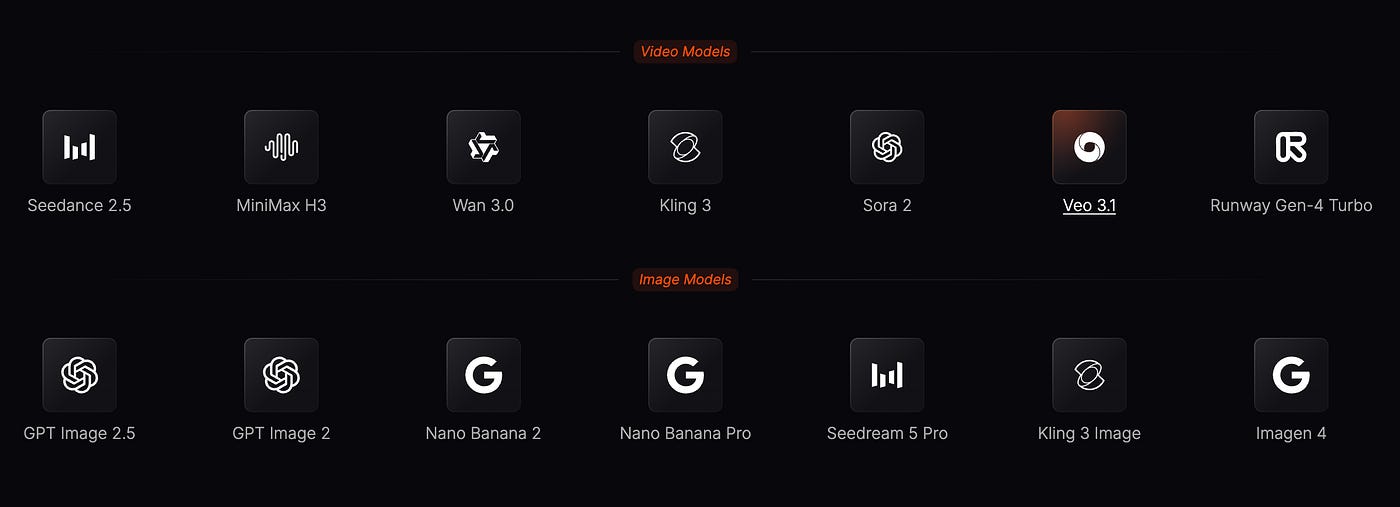
Then each one has different versions, supported formats, resolutions, video lengths, and prices. It gets confusing pretty quickly.
With Pollo AI MCP, you can just describe the result you want. The agent can choose a compatible model for the task. If you already know which model you want, you can specify it directly too.
You can also ask the agent to compare different options based on the output you want and how much you want to spend. Personally, I like this approach better. Most of the time, I don’t really care which model is technically number one.
I care more about whether it can create the thing I want without costing too much.
What’s the Biggest Gain in Using Pollo AI MCP?
I think the biggest gain is that you get the best parts of ChatGPT and Pollo AI in the same workflow.
ChatGPT is already very good at understanding what you are trying to do. You can give it a rough idea, and it can help turn that into a proper prompt, campaign concept, script, storyboard, or production plan.
Pollo AI gives that agent a much larger media toolbox. Instead of stopping at “here’s a prompt you can paste into another generator,” ChatGPT can actually send the job, monitor it, get the result back, and use that result in the next step.
For creators and marketers, I can see this being useful for workflows such as:
Product campaign images
Social media posts
Product photos/Product videos
UGC content/Ad creatives
Short-form videos
Marketing assets
Different versions of the same campaign
You can also specify the exact model you want when you already have a favorite, or ask the agent to compare the available options based on your brief and budget.
You are not locked into OpenAI’s own models. And you get access to video models again even though OpenAI has already shut down Sora.
Final Thoughts
Alright, I’ve just laid out all the things you need to know about Pollo AI MCP for ChatGPT and what you can do with it.
Generating AI images and videos are just some of the basic stuff that you can do with it.
We all know how powerful an orchestrator ChatGPT is with all its research and reasoning capabilities. Pair that with Pollo AI’s wide range of models, tools, and templates, and you get a super powerful content machine.
I recommend going through the list of templates and tools available on Pollo AI. Some of the most notable ones are UGC creator, Microdrama maker, and marketing assets generator.
Go try it now and let me know what awesome things you did with Pollo AI’s MCP!
Hi there! Thanks for making it to the end of this post! If you enjoyed this content and would like to support my work, consider becoming a paid subscriber. Your support means a lot!