

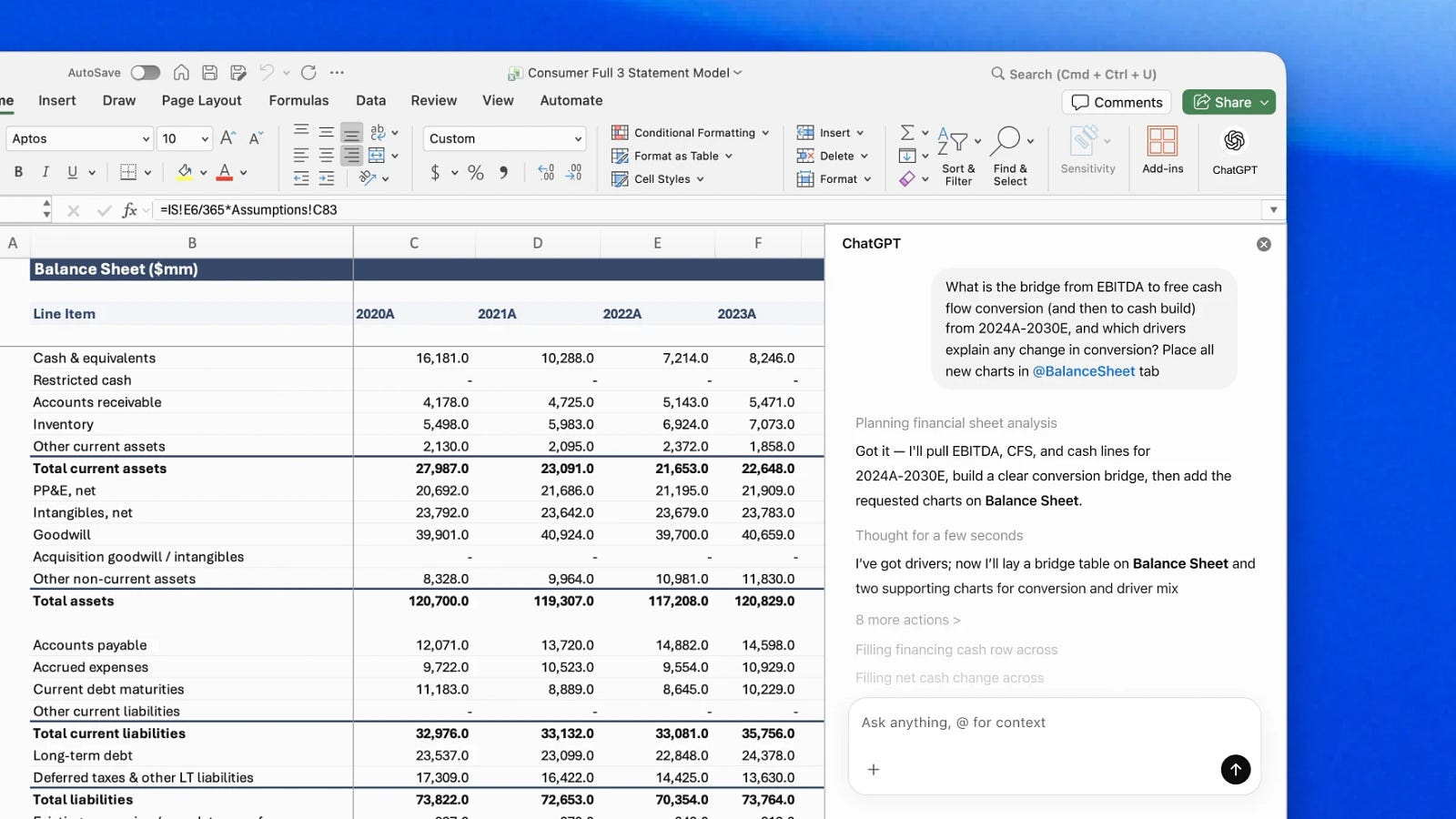
You can now use ChatGPT to build, update, and analyze spreadsheets faster in MSFT Excel. It’s an Excel add-in that brings ChatGPT directly into workbooks, helping users run scenarios and generate outputs based on cells and formulas.
Here’s how it works:
Build and update spreadsheet models faster: Describe what you need in plain language and ChatGPT will create or update live Excel models while preserving formulas, structure, and assumptions.
Get insights from large spreadsheets: ChatGPT analyzes how sheets and formulas connect, explains changes in results, and traces or fixes errors in complex workbooks.
Follow the logic and trust the outputs: ChatGPT links answers to the exact cells it uses and asks permission before making edits, so teams can audit formulas and verify results.
The tool is powered by GPT-5.4 and can be installed from the Add-in tab in the web version of MSFT Excel.