Last week, CNN published a report about the explosive growth of AI-generated microdramas in China. More than 120,000 microdramas were released in the first three months of 2026, and around 95% of them were generated using AI.
A year or two ago, most AI video discussions were about whether a model could keep a character’s face consistent for ten seconds. Now entire production pipelines are being built around these models, and creators are publishing serialized stories at a volume that would have been impossible with traditional production.
I’m pretty sure anyone who spends enough time on TikTok, Instagram, or Facebook has already watched at least one of these AI dramas.
Some are obviously generated, especially when the motion gets complicated or objects start behaving strangely. Others are convincing enough that I sometimes only notice after a character changes slightly between cuts or a background detail suddenly disappears.
What’s even more interesting is how these productions are set up and how the final video series are actually being made.
There are currently a handful of video generation harnesses and web platforms that let you create full-length AI films with very little effort.
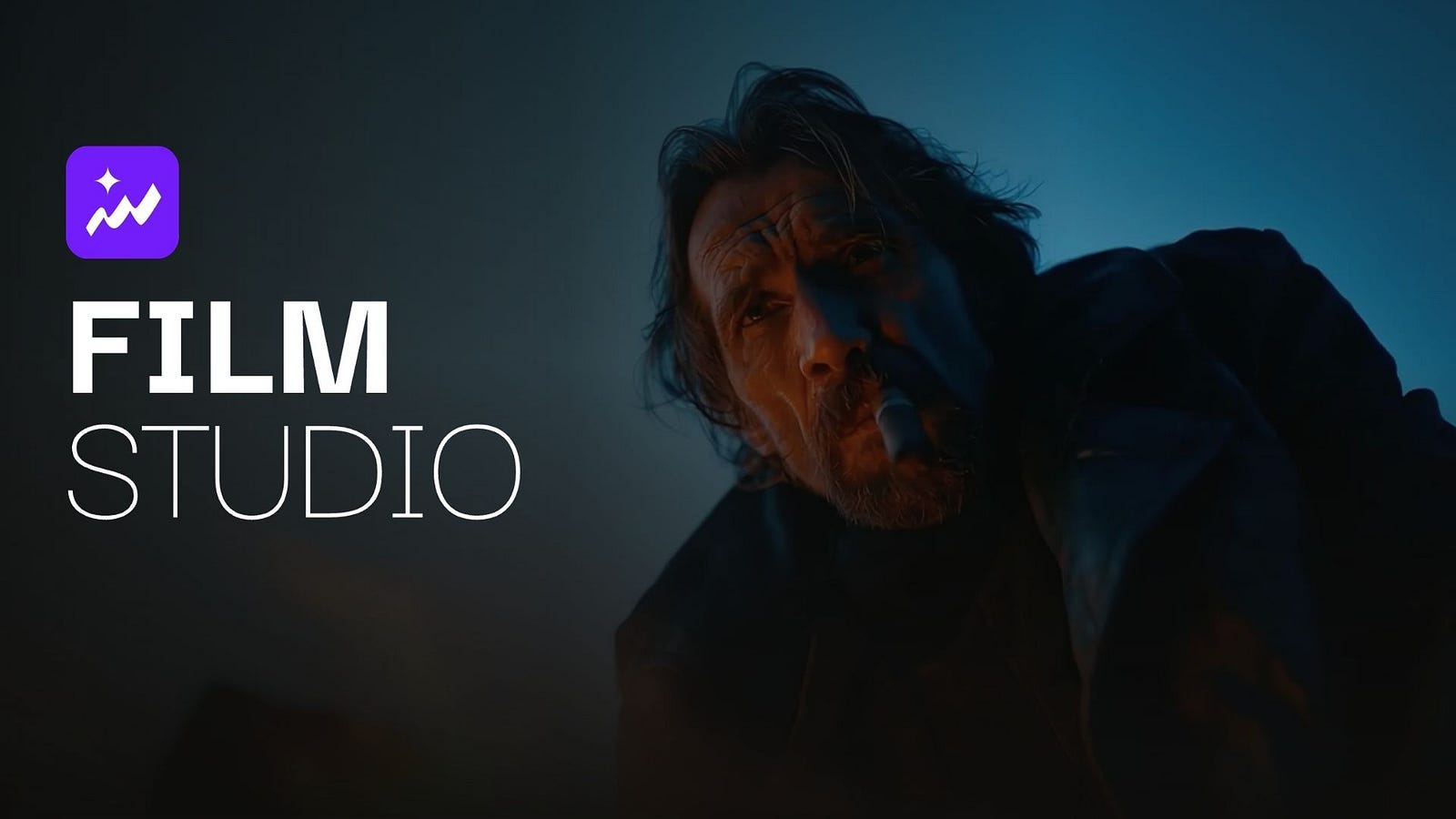
For example, Topview’s Drama Studio and Film Studio are trying to organize the messy production work around the models, from story development and character creation to storyboarding, scene planning, generation, and editing.
For anyone curious about how these AI dramas are being produced, the process is a lot more structured than repeatedly typing prompts into a text-to-video box.
Go Short or Long Form AI Film
Topview currently offers two filmmaking products that serve different kinds of creators.
Drama Studio is designed for microdramas and episodic stories. I can start with an idea, outline, script, or longer piece of source material, then let AI agents help break it down into scenes, characters, environments, storyboards, and video.
This is what a sample video series built with Drama Studio looks like:

As you can see above, multiple scenes are getting stitched together to form a long and multi-scene video. The result is a few minutes of video clip that could be an episode of a series.
Here’s what the final video looks like:
Film Studio is for projects where I want much more control over the actual shot. It gives me tools for character performance, camera direction, scene composition, blocking, and visual refinement, which makes it closer to a filmmaking workspace than an automated series generator.

As you can see above, the dashboard gives you tons of freedom and control over each scene in the sci-fi film. You have a chat box on the right side, which lets you delegate any work to an AI agent instead of you manually doing all the work.
Here’s what the final video looks like:
Pretty cool, right?
Both Drama Studio and Film Studio are powered by Seedance 2.5 model, so you can expect high-quality and realistic video sequences every single time.
I would not overthink the choice between them. If the main problem is producing several connected episodes efficiently, Drama Studio makes more sense. If the project depends on precise framing, performances, or how one shot connects to another, Film Studio is the better fit.
I sometimes create short AI films just for fun and send them to my mom afterward. Most of them are little fantasy or science-fiction ideas that would never justify renting equipment, finding actors, or learning a complicated 3D animation pipeline.
Being able to make those scenes at home is fun on its own, but the same tools become much more interesting when I imagine what an independent filmmaker with a finished script could do with them.
Topview’s Drama Studio
I previously wrote a more detailed guide to Drama Studio, so I will keep the walkthrough shorter here. You can read it below.
The Fastest Way to Create an AI Series with a One-Person Drama Studio
You don’t need a crew, a camera, or a budget to make an episodic drama anymore. You need a story and an afternoon.generativeai.pub
The thing that you need to know about this tool is that it treats a drama as a production instead of a collection of separate generations. I give it a story, then the agent helps organize the pieces needed to turn that story into an episode or series.
Some of its key features include:
AI-assisted script development for turning an idea, outline, script, or longer story into scenes and dialogue.
Reusable characters, locations, and props that stay connected to the same project.
Storyboard generation before committing to more expensive video renders.
Shot-level editing and regeneration when only part of an episode needs to change.
Multi-episode continuity for stories that reuse the same cast and environments.
When I tested Drama Studio earlier this year, I used it to create a fantasy confrontation between a human paladin and an orc warrior. The original idea was pretty simple, but the system helped expand it into something closer to an actual sequence by creating characters, establishing the environment, breaking the action into scenes, and preparing the visual direction for each shot.
Without a system like this, I would normally handle all of those steps manually. I would generate a character image, save it somewhere, create a second character, keep track of the references, write prompts for every new shot, and repeatedly remind the video model what everyone is supposed to look like. Once the story reaches several scenes, keeping all of that consistent becomes more annoying than writing the story itself.
Drama Studio keeps those assets attached to the same project, so I can reuse the characters and environments instead of rebuilding the context every time.
Here’s a sample project board I have with one of my mini film series.

The storyboard stage also gives me a cheap place to make mistakes. If the orc is standing on the wrong side of the frame or the paladin suddenly has different armor, I would rather notice that in a still image than after generating the final video.

This is why I think Drama Studio fits microdramas particularly well. Romance series, fantasy serials, short horror stories, anime-inspired episodes, or vertical dramas for mobile platforms all reuse characters and locations heavily.
Producing five or ten episodes a week is less about creating one spectacular shot and more about keeping the production moving without losing consistency.
I still would not publish everything the agent writes or generates without reviewing it. Dialogue usually benefits from a human rewrite, pacing needs judgment, and some scenes simply need several attempts before they work. But I would rather spend my time fixing those creative problems than manually rebuilding the same production setup for every episode.
Topview’s Film Studio
Film Studio goes further in the opposite direction. Instead of trying to automate as much as possible, it gives creators more control over what happens inside an individual shot.
That approach is closer to how I think serious AI filmmaking will develop.
Prompting works well when I am flexible about the result. If I write “a woman waits nervously in an empty train station,” a good video model can make something visually impressive from that sentence.
But filmmaking becomes more specific once I care about how nervous she looks, whether she avoids eye contact, where she stands relative to the camera, or how slowly the camera moves toward her.
Those details are difficult to control through text alone.
Film Studio introduces controls that separate some of those decisions from the prompt itself. Character expressions, camera placement, scene composition, and blocking can be treated more deliberately instead of being bundled into one paragraph of instructions and left to the model to interpret.
Here’s an example mini AI film I am currently working on.

As you can see, every character can be controlled by a series of instructions. You decide her story, her looks, her background, and personality.
This is a sample snippet of the mini AI film:
This information gives the AI agent an idea of how the character should look and express in every scene.
AI models can generate beautiful faces now, but subtle acting is still inconsistent. A character might react too strongly, smile at the wrong moment, or exaggerate an emotion that should have been barely visible.
Giving creators a visual way to adjust the emotional performance makes more sense than rewriting “slightly worried, but trying not to show it” five different ways and hoping the next generation gets closer.
The same applies to camera work. A camera angle is not just decoration. Moving closer to a character can make a conversation feel uncomfortable.
Shooting from behind someone can hide information. Keeping the camera wide for a few extra seconds can change the timing of a reveal. When these choices are left entirely to the model, the result might look cinematic without actually saying what I wanted the scene to say.
Film Studio also brings 3D scene blocking into the workflow, which is one of the more useful ideas I have seen in AI video tools.
See the sample workflow below and notice how the 3D scene helps with the blocking.

Traditional filmmakers and animators use blocking and previs to establish where actors, cameras, and objects are placed before the expensive production work begins.
Using the same concept for generative video gives the model better spatial guidance and gives me a way to inspect a scene before rendering it.
This solves a problem that shows up constantly in longer AI videos. A character may be standing on the left side of the room in one shot and somehow appear on the right in the next. Two people having a conversation might swap positions between cuts.
A door that was behind someone suddenly appears beside them. These mistakes are small individually, but enough of them can make a scene feel incoherent even when every frame looks good.
More controllable production tools also change the economics of experimentation. According to Caixin, some Chinese teams are already producing around 100 minutes of AI microdrama in only a few days for a fraction of the cost of traditional production.
I would not compare that directly with a major studio movie. A $150 million feature film involves actors, sets, physical effects, location work, stunt teams, production design, post-production, and a huge amount of coordination that current AI tools cannot simply replace.
The more realistic challenge comes from smaller productions.
An indie filmmaker who previously had enough money for a three-minute proof of concept may eventually be able to produce an entire pilot. A writer with an ambitious science-fiction script can visualize scenes before pitching it to investors. Small animation teams can test complete sequences instead of committing months of work to the first version.
But of course I am not here to spit all praises to AI. I am also aware of the existing limitations.
I see continuity errors, strange physics, inconsistent props, awkward facial animation, and plenty of clips that need to be regenerated. But the improvement has been fast enough that I would be careful about treating any current limitation as permanent.
Two years from now, the more important question may not be whether AI can generate a convincing film scene. It may be how much creative control platforms like Film Studio can give the person directing it.
Which Tool Should You Use?
Drama Studio and Film Studio overlap in some areas, but they are built around different production styles. Drama Studio is better when I want an AI agent to manage more of the repetitive work involved in making a series. Film Studio makes more sense when I want to spend more time directing individual scenes.

I would choose Drama Studio as a solo creator producing vertical drama series, a writer turning stories into episodes, a social media creator experimenting with serialized fiction, or a small team that needs to publish frequently without rebuilding the production setup every time.
I would choose Film Studio as an indie filmmaker, director, animator, cinematographer, or experienced AI video creator who wants to spend more time deciding how a scene should actually look and feel.
For a bigger project, I can also imagine using both.
Drama Studio could handle the recurring production work around the story, characters, and episodes, while the most important scenes could receive much more deliberate treatment using the controls available in Film Studio.
That combination is probably closer to how I would work. I like automation when it removes repetitive tasks, but I still want to make the decisions that define the final scene.
Topview’s Drama Studio and Film Studio show two directions AI filmmaking is moving at the same time. One uses agents to reduce the amount of production work required to turn a story into several episodes.
The other gives creators more control over the parts of filmmaking that are difficult to express through prompts alone, including performance, camera placement, blocking, and continuity.
AI Could Drastically Change How Films Are Produced
I do not think AI suddenly makes filmmaking easy. Writing a good story is still difficult, pacing still requires judgment, and giving an audience a reason to care about a character has very little to do with how photorealistic the generation model is.
Perhaps the biggest change is the cost and speed.
A specific movie scene that once required actors, costumes, a location, cameras, lights, and a crew can now be explored on a laptop before anyone spends money on physical production.
Did you know that the sinking ship scene in Titanic cost $141 million?
Yup, that’s the most expensive single scene or sequence in movie history.
Today, anyone can create a similar scene for less than a dollar in 2 minutes.
Over time, I think that will have a much larger impact than the novelty of AI-generated video itself.`
More People Can Now Attempt Projects That Used to Be Impractical
This is why I appreciate platforms like Topview putting these tools into products that people can actually use.
We already know modern video models can generate impressive images. The more difficult problem now is turning those images into stories that stay coherent for several minutes, several episodes, or eventually an entire movie.
Drama Studio is approaching that problem through agents and production automation. Film Studio is approaching it through deeper creative control. Neither has completely solved AI filmmaking, but both make it possible for one person or a very small team to attempt projects that would have required far more money and people only a few years ago.
I’m curious to see where this goes, especially as the underlying video models continue improving.
What do you think about tools like Drama Studio and Film Studio? Would you let an AI agent handle most of the production, or would you rather keep direct control over every shot?
Hi there! Thanks for making it to the end of this post! If you enjoyed this content and would like to support my work, consider becoming a paid subscriber. Your support means a lot!


