


Remember when Siri was marketed to be a digital butler that could actually do things like book flights, send emails, or file our taxes while we slept? Unfortunately, what we got was a decade of “Here’s what I found on the web.”
That changed this week when Moltbot (OpenClaw) was released.
It has full access to your computer, and it can do things like send emails and manage your calendar. It can even vibe code apps for you. It does it autonomously and can be instructed through your favorite messaging apps like Telegram or WhatsApp, or iMessage.
Let me explain further what Moltbot is and how to set it up, and what you can do with this shiny AI tool.
What is Moltbot?
Moltbot was created by Peter Steinberger, an Austrian developer and entrepreneur whohas already built a handful of projects in the past. I wanted to mention this in case you’re thinking that Moltbot is an overnight success.
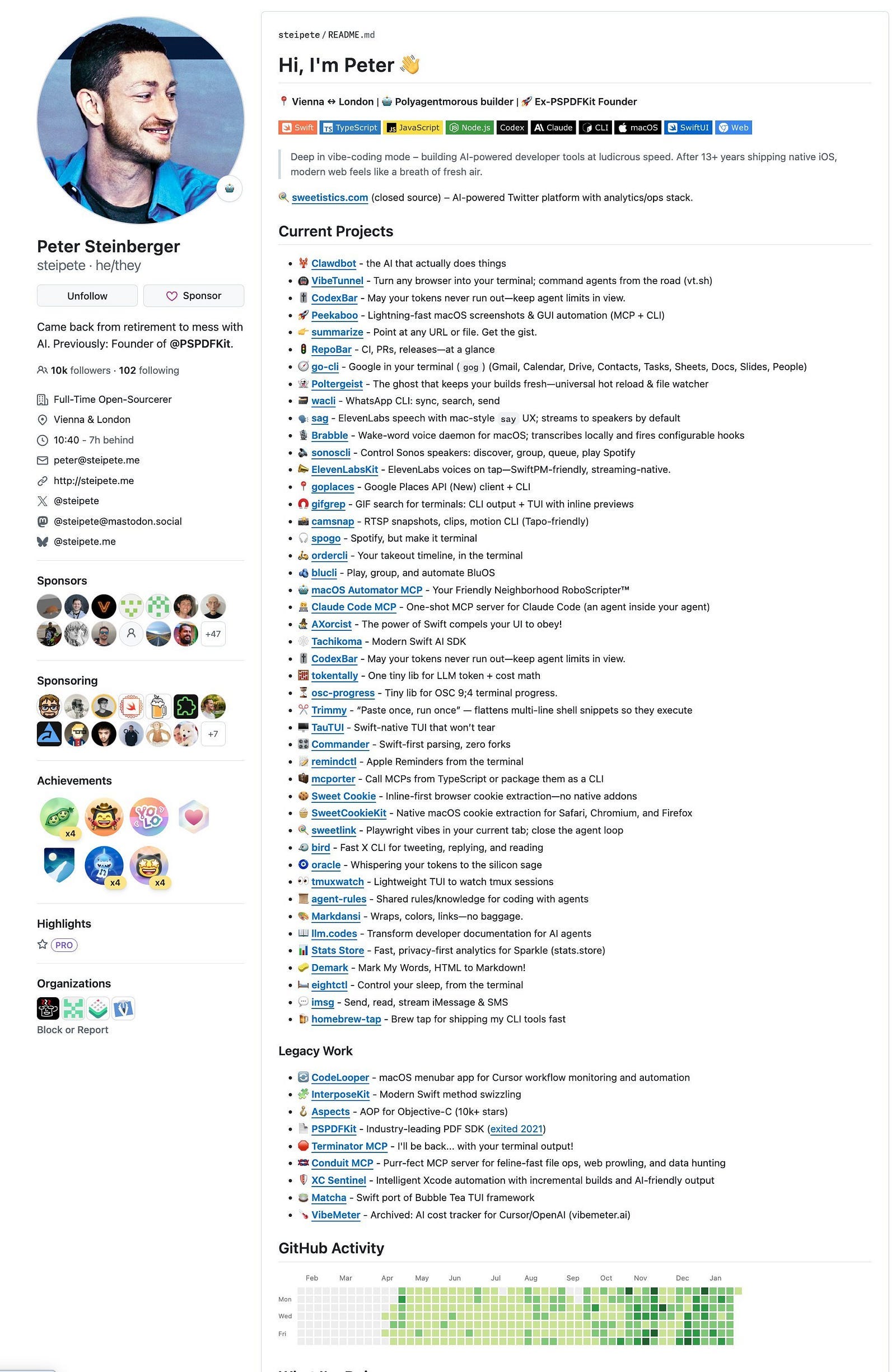
After a brief retirement, he returned to building software using a “vibe-coding” approach, where he leverages AI agents to write and ship code rapidly. Steinberger describes the tool as “Claude with hands” because it uses Anthropic’s Claude models as its “brain” while gaining the ability to control a computer’s mouse, keyboard, and file system.
How does it differ from normal AI chat apps like ChatGPT?
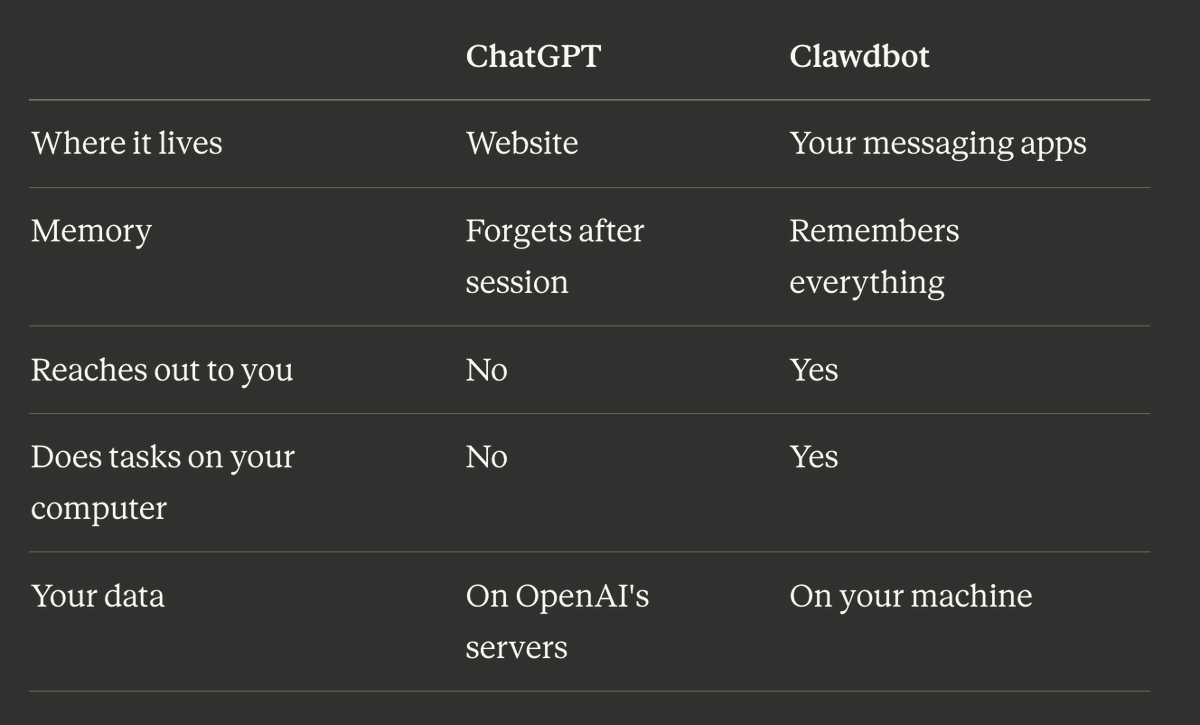
This AI assistant is an open-source assistant that has full system access and runs locally or in the cloud.
How to install Moltbot
On your macOS device, open a new terminal and run the following command: