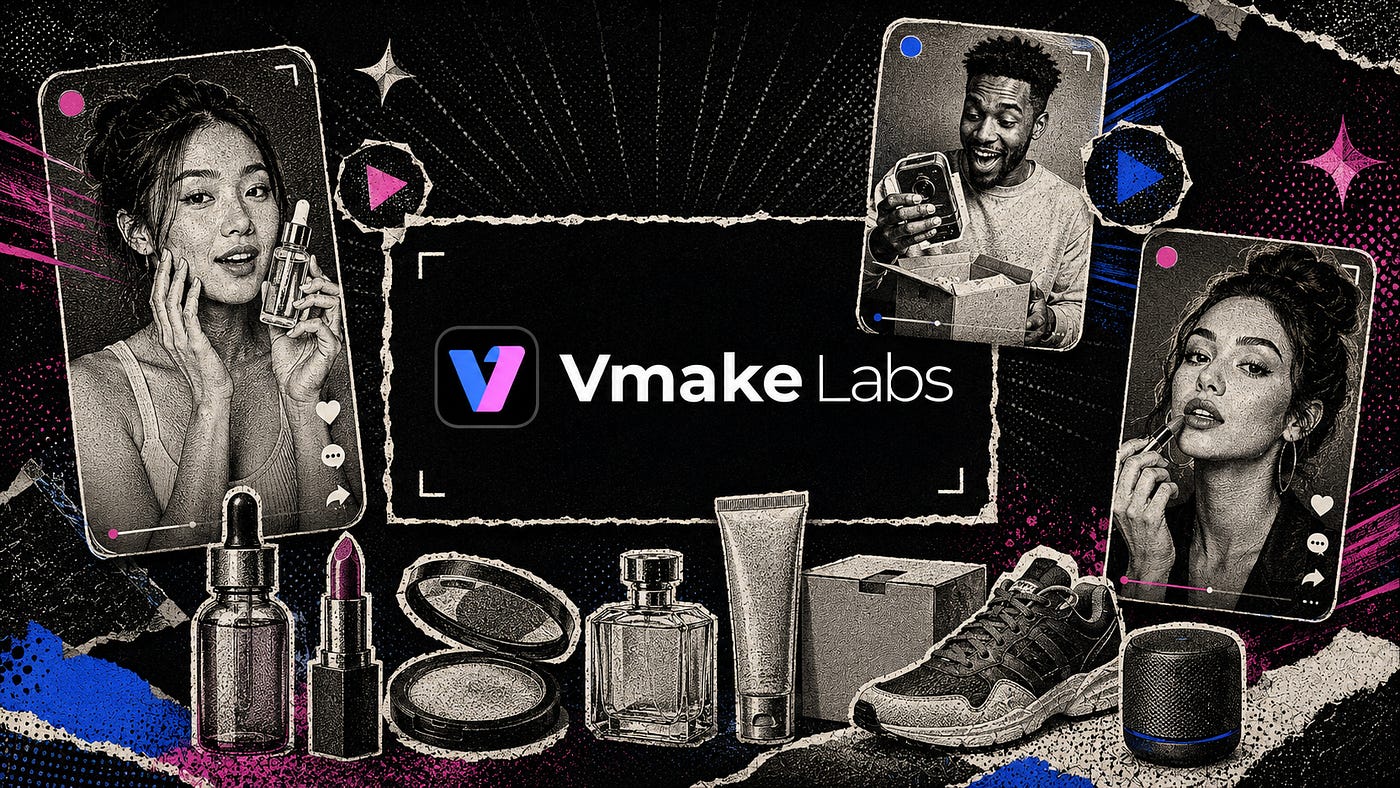
I’ve made quite a few promotional AI videos and UGC ads for clients over the past couple of years. Trust me when I say that there are only a few platforms I can consistently rely on.
Some tools generate attractive footage but give you almost no control. Others work well for one specific task, forcing you to jump between several websites just to finish a 20-second video. Once you add the video enhancements, captions, cleanup, and localization, the process can become surprisingly messy.
One platform I discovered to be really good is Vmake Labs.
You might recognize it by its former name, Vmake AI. The company recently renamed the platform to Vmake Labs, and the change reflects how much the product has expanded.
It is now positioning itself as an all-in-one social video studio that helps creators and small businesses generate, enhance, clean, translate, and optimize videos.
I wanted to see how that broader workflow actually comes together. For this article, I explored its video generation tools and paid closer attention to two recent updates: Master mode in Video Enhancer and Smart Pro in Video Watermark Remover.
What Vmake Labs Is
Vmake Labs is an AI social video studio built for small businesses, e-commerce sellers, marketers, affiliate creators, and social media managers.

Rather than focusing only on video generation, the platform covers several stages of production. You can start with a product image or written prompt, generate the first clip, improve its visual quality, remove unwanted elements, add captions, and prepare translated versions.
According to the current Vmake Labs website, the platform is designed around TikTok, Instagram Reels, YouTube Shorts, Shopify, and Amazon Inspire. It also offers free access and starter credits to try some of its features before upgrading.
Vmake Labs describes the workflow as a way to turn ideas, products, storefronts, and existing footage into ready-to-use videos.
Some of the most notable tools include:
AI Video Generator: Creates videos from text prompts, images, first and last frames, or existing clips. Several major video models are available from the same workspace.
UGC Video Generator: Turns product information and images into UGC-style promotional videos.
AI Avatar Video: Creates presenter-led and shoppable videos without filming a real spokesperson.
Video Enhancer: Restores detail, reduces blur and compression artifacts, and upscales footage to higher resolutions.
Video Watermark Remover: Removes text, subtitles, logos, people, and unwanted objects using automatic or manual selection.
Video Translator: Translates subtitles and speech, generates dubbed audio, matches voices, and synchronizes mouth movement.
The useful part is that Vmake Labs treats these features as stages in the same production process. You can generate, improve, clean up, and localize a clip without first learning four completely different platforms.
How to Create AI Videos with Vmake Labs
To get started, head to Vmake Labs and create an account. From the dashboard, you can generate a video from a written prompt, animate an image, restyle existing footage, or choose one of the ready-made templates.
I decided to create a short product ad for a wireless speaker. Start by uploading the product image. When you upload an image, the platform scans it to better understand the physical attributes. The image below accurately depicts the speaker I uploaded, and this is crucial for generating the final video.

For the video style, I chose the “Japanese summer commercial by Seedance 2.5” because I wanted it to look like young consumers promoting it.
Here was my prompt:
Prompt: Generate a Japanese Summer TVC video featuring my uploaded product

Notice that I left the Avatar section empty because I wanted to make use of the default actors in the template. Of course, you can replace this with your own custom avatar.
In the settings submenu, you can adjust settings such as the video model and the output aspect ratio. In this example, I wanted it to be in a 3:4 aspect ratio and use the Seedance 2.5 video model.

The last step is to click the Create button and wait for the final UGC video.
Here’s what the output looks like:
It looks awesome! Vmake Labs followed the camera direction closely, and the afternoon light gave the speaker a warmer, more expensive look. I also liked the restraint in the camera movement. It felt like someone was filming the product rather than dragging a digital camera through a still image.
This could easily pass as a real production-grade commercial for my speaker product. All done in minutes and a few dollars!
Improving the video with Master mode
The Vmake Labs Video Enhancer offers three general processing modes.
Fast handles quick cleanup, while Quality rebuilds more of the missing detail. The new Master mode aims for a more cinematic result and supports 2K, 4K, and 8K output.
Uploading a video is straightforward. Open the Video Enhancer, drag the file into the upload area, then choose a model and resolution. Vmake Labs can also select a model automatically, but I chose Master at 4K so I could judge the new mode directly.

Here’s the input video before it got enhanced:
Here’s the enhanced video in 4K:
See the difference? The video is in higher resolution, and the quality is much sharper. This isn’t possible with just upscaling the resolution; Vmake Labs made several visual upgrades to improve the final video.
Cheap enhancement often creates bright outlines and rough edges, making the video look harsher without recovering any meaningful detail. Master kept the soft background while concentrating most of the improvement on the product.
Removing Watermarks and Text with Smart Pro
Next, I tested the Vmake Labs Video Watermark Remover.
The tool includes automatic modes for common removal jobs, plus manual controls for marking a specific area yourself. Its new Smart Pro mode is built for more demanding cases, including small lettering, semi-transparent marks, moving watermarks, and animated subtitles.
For a clear before-and-after comparison, I chose a product image featuring two ceramic vases against a warm brown background. A large white “VASE” watermark stretched across the middle, covering part of the smaller vase and overlapping the edge of the larger one.

After uploading the image, I selected the watermark removal option and started processing. Here’s the side-by-side comparison of the before and after editing.
The result came out cleaner than I expected. Removing the letters from the plain background was the easy part, but Vmake Labs also had to reconstruct the rough surface of the smaller vase and the curved edge of the larger one. Both areas remained convincing, with no obvious white fragments or heavy blur where the text had been.
Removing a large watermark that crosses both a simple background and detailed objects is a solid result.
More Tools for Finishing Social Videos
Vmake Labs has several other tools that fit into the same production workflow, even though I did not test each one separately for this article.

Portrait Pro is part of the Video Enhancer and focuses on talking-head footage. It builds on the standard Portrait scene by restoring facial detail, improving clarity, and generating more natural skin texture.
This could help with compressed UGC ads, interviews, and creator videos where the face looks soft after repeated exports. As with any facial enhancement, I would still review the full clip for flicker or changes around the eyes, teeth, and hairline.
Speaking of UGC ads, there’s also an AI Avatar Video creator that lets you turn a single product image into a shoppable video featuring a more natural, lifelike avatar.

The Vmake Labs Video Translator handles localization. It can remove existing subtitles, generate translated captions, dub the spoken audio, match the speaker’s voice, and adjust lip movement to the new dialogue.
It currently supports 14 languages, giving small businesses a way to adapt a single product video for several markets without re-recording each version. I would still have a native speaker check the final script, especially when the video includes sales copy, humor, or regional expressions.
Vmake Labs also includes a Video Background Remover for separating people and products from their surroundings. It can export footage with either a transparent background or a green screen, making it easier to place the subject inside a product ad, presentation, or branded scene. This is particularly handy for businesses that do not have access to a studio or a physical green screen.
None of these tools needs a separate section to make the point. Together, they show how Vmake Labs extends beyond video generation. The platform can handle several tasks that normally occur after the first clip is created, from cleaning up a presenter to translating the finished ad for another audience.
Why Should You Care?
Creating the first AI video is often the easiest part. Most of the work comes later.
There will always be a case where you notice that the product texture looks soft. A caption covers the wrong area. The client wants another language. The footage needs a cleaner export. Before long, a 15-second ad has passed through four platforms and accumulated several slightly different versions.
Vmake Labs cuts down that back-and-forth. A small business can generate a product clip, enhance the image, remove unwanted elements, add captions, and create localized versions, all from the same platform.
The new Video Enhancer options also match the type of material people are actually publishing. Master addresses generated or compressed footage that lacks detail. Studio gives phone recordings a more deliberate look. Portrait Pro improves talking-head videos without automatically turning every face into plastic.
Smart Pro solves an equally tedious problem. Manually removing moving text and animated subtitles can involve masks, tracking, and frame-by-frame repairs. Even when Smart Pro needs a small correction, finishing most of the clip automatically can remove a significant amount of editing work.
There are limits, though, and you should take note of them. Poor source footage remains poor, even after upscaling. Enhancement may invent details, and removal becomes less reliable when text covers hands or faces. Some of the newer modes also require a membership.
Those are reasonable tradeoffs, but they should not be ignored. The platform is at its best when it accelerates a real editing workflow, not when it is treated as a button that can rescue any clip.
Final Thoughts
I am glad Vmake Labs has expanded beyond its original focus. The new name feels more appropriate now that the platform covers video generation, enhancement, cleanup, and other parts of social content production.
The UGC and Product Showcase generators were my favorite tools. Both make it easy to turn basic product assets into promotional videos without filming everything from scratch. I especially liked how quickly the Product Showcase generator could take a simple product image and give it movement, context, and a format that already feels suited to social media.
The UGC generator also makes sense for small businesses that need several ad variations but do not have the time or budget to organize repeated shoots. The output will still need a human review, particularly when it comes to product accuracy and natural movement, but the starting point is much stronger than building every video manually.
Master and Smart Pro strengthen the workflow around those generators. Master can improve soft or compressed footage, while Smart Pro handles watermarks and text that would otherwise require more editing. They were not the main reasons I liked Vmake Labs, but they make the platform more complete.
I do not expect Vmake Labs to replace a full video editor. I would keep it in my workflow because it shortens the distance between a product idea and a video that is ready for further editing or publishing.
If you create product ads, UGC, or short-form promotional content, try a few of its tools and let me know which one worked best for you.
Hi there! Thanks for making it to the end of this post! If you enjoyed this content and would like to support my work, consider becoming a paid subscriber. Your support means a lot!


